How to Keep Screenshots Consistent Across a Help Centre
Readers notice inconsistency long before they notice imperfection. The five variables that cause it, and how to hold them steady across authors and years.
Last updated
By the time you finish you will know which five variables actually cause a help centre to look inconsistent, how to check an existing set against them, and what to do about a library that is already mixed. The goal is not perfect images. It is images that look like they came from one place.
Before you start
Open your help centre and scroll through five articles containing images, quickly, without reading. Inconsistency is something you perceive at a glance rather than analyse - if the set feels ragged in a fast scroll, it is, whatever an individual image looks like on its own.
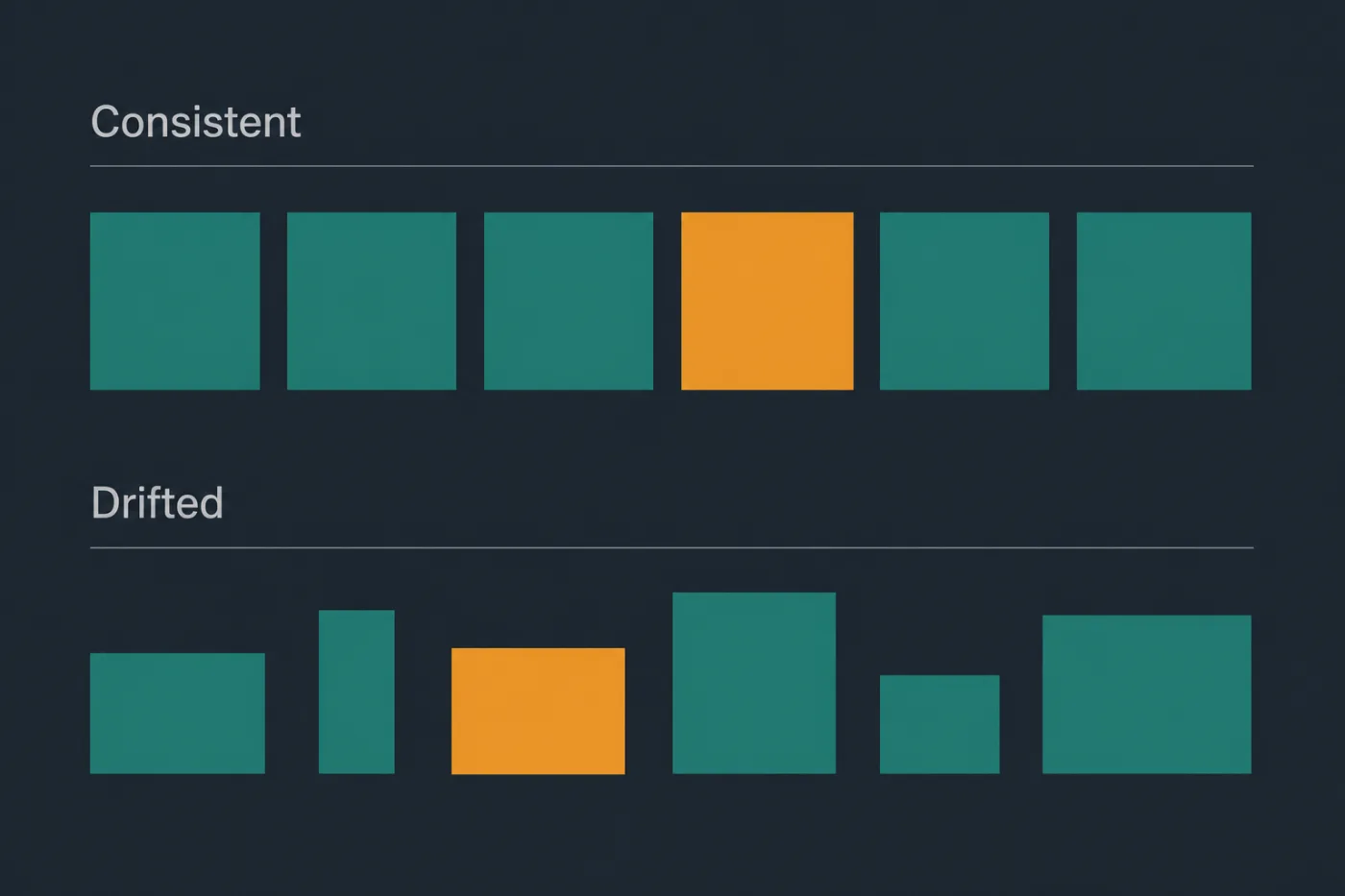
Neither row is wrong image by image. Only one of them looks maintained.
Steps
Audit against the five variables that matter.
Almost all perceived inconsistency comes from: viewport width, zoom level, theme, demo data, and crop boundary. Go through your five sample articles and note the value of each per image. One of the five will be doing most of the damage.Fix the worst offender first.
In most help centres it is theme or crop boundary. Mixed light and dark screenshots are visible from across the room; ragged crops are subtler but produce the sense that nobody is in charge.Write the five values down as a standard.
Not a document about screenshots - five lines with five values. A standard nobody can recite is a standard nobody follows.Put the standard where the capture happens.
In the article template, in the pull request template, pinned in whichever channel people ask about docs. A convention filed in a wiki is a convention that will be rediscovered annually.Re-capture only the highest-traffic offenders.
Consistency is a property of what people actually see. Fixing the twelve images in your three most-read articles buys most of the available improvement; re-shooting all sixty does not buy proportionally more.Decide the rule for new images, and stop there.
A mixed library that stops getting more mixed converges on consistency as old articles are retired. A rewrite-everything project usually stalls halfway and leaves the set worse than before.Re-audit after any redesign.
A redesign resets this: images captured before and after differ in every variable at once, whatever your standard says.
Common mistakes
Treating consistency as an aesthetic concern. It is a trust signal. A ragged set reads as unmaintained, and readers extend that judgement to the accuracy of the words.
Standardising on values nobody can hit. "Capture at exactly 1440x900 with the sidebar collapsed and three projects in the account" is precise and will be approximated within a month. Fewer, looser constraints get followed.
Enforcing the standard in review. Reviewers do not compare a new screenshot against a written width. They notice glaring mismatches and miss the gradual drift that actually accumulates.
Letting each author use their own demo account. Different names and data volumes across articles read as strongly inconsistent even when width, zoom, theme and crop all match.
Fixing consistency without fixing accuracy. A beautifully consistent set of images showing last year's interface is worse than a ragged set showing this year's.
When this stops scaling
A written standard is enforced by attention, and attention is the resource in shortest supply on a documentation task nobody owns. It holds while one person captures everything. It degrades as soon as two or three people do, and it degrades invisibly - no single image is wrong, the set just stops cohering.
Change makes it worse. Every product redesign resets the whole library to inconsistent, so this is not a project you finish but a tax you pay whenever the interface moves.
Past roughly thirty images and more than one author, the honest options are to accept drift, appoint someone to police it, or remove the variable entirely. Removing it means not capturing images by hand: when every image is rendered from the same source - the product's own compiled stylesheet and design tokens - consistency stops being a discipline and becomes a property of how the images are made. That is what SupportPages does. If you are about to write a screenshot standard for a team of four, it is worth knowing you can also just not need one.