How to Export Articles From Intercom, Zendesk or Help Scout
Getting a complete local copy of every published article - body, images, identifiers and structure - out of a hosted help desk, in a form you can import elsewhere.
Last updated
What you end up with is every published article from your help desk saved locally, with its images downloaded, its category structure preserved, and its original URL recorded so you can redirect readers after the move.
Before you start
All three products store article bodies as HTML and all three expose a read API that lists articles and returns those bodies. The API is the dependable route: the in-app export options change, and the ones that persist tend to target conversation history rather than help content.
You will need a read-scoped API credential and somebody comfortable running a script. Budget this as an afternoon of scripting rather than a button press. If you have fewer than about twenty articles, copying them by hand is genuinely faster than automating it.
Steps
Decide what is in scope.
Published articles, drafts, archived content and internal-only notes are usually all in the same account. Export everything for safekeeping, but mark from the start which set is being migrated.Create a read-only API credential.
Zendesk issues API tokens tied to an account email, Intercom uses an access token generated for a workspace app, and Help Scout's Docs API uses its own key. Scope each to read access and store it outside the repository.Page through the article list endpoint and save the raw responses.
All three paginate, and default page sizes are small. Write the untouched JSON to disk before transforming anything, because re-running an export later costs more than the disk it saves.Keep the identifiers and the live URL for every article.
The article ID and its current public URL are the only reliable basis for a redirect map. Discard them during conversion and the redirects become guesswork against titles.Convert the HTML bodies.
Hosted editors leave inline styles, wrapper classes and empty paragraphs behind. Convert to your target format and review a sample by eye before running the batch.Download every referenced image.
Images sit on the vendor's own storage and keep working right up until the account closes. Fetch each one, store it with your content, and rewrite the references.Export each locale if you publish translations.
Zendesk models translations as separate objects attached to an article, and Intercom keeps localised versions per article. A default-locale export silently discards the rest.Preserve the category and section structure.
Collections, categories and sections are separate objects from articles. Export them too, or you arrive with a flat list of several hundred pages and no navigation.Build the redirect map and test a sample.
Map old URL to new URL for every migrated article, then check a handful by hand before pointing anything at the new home.
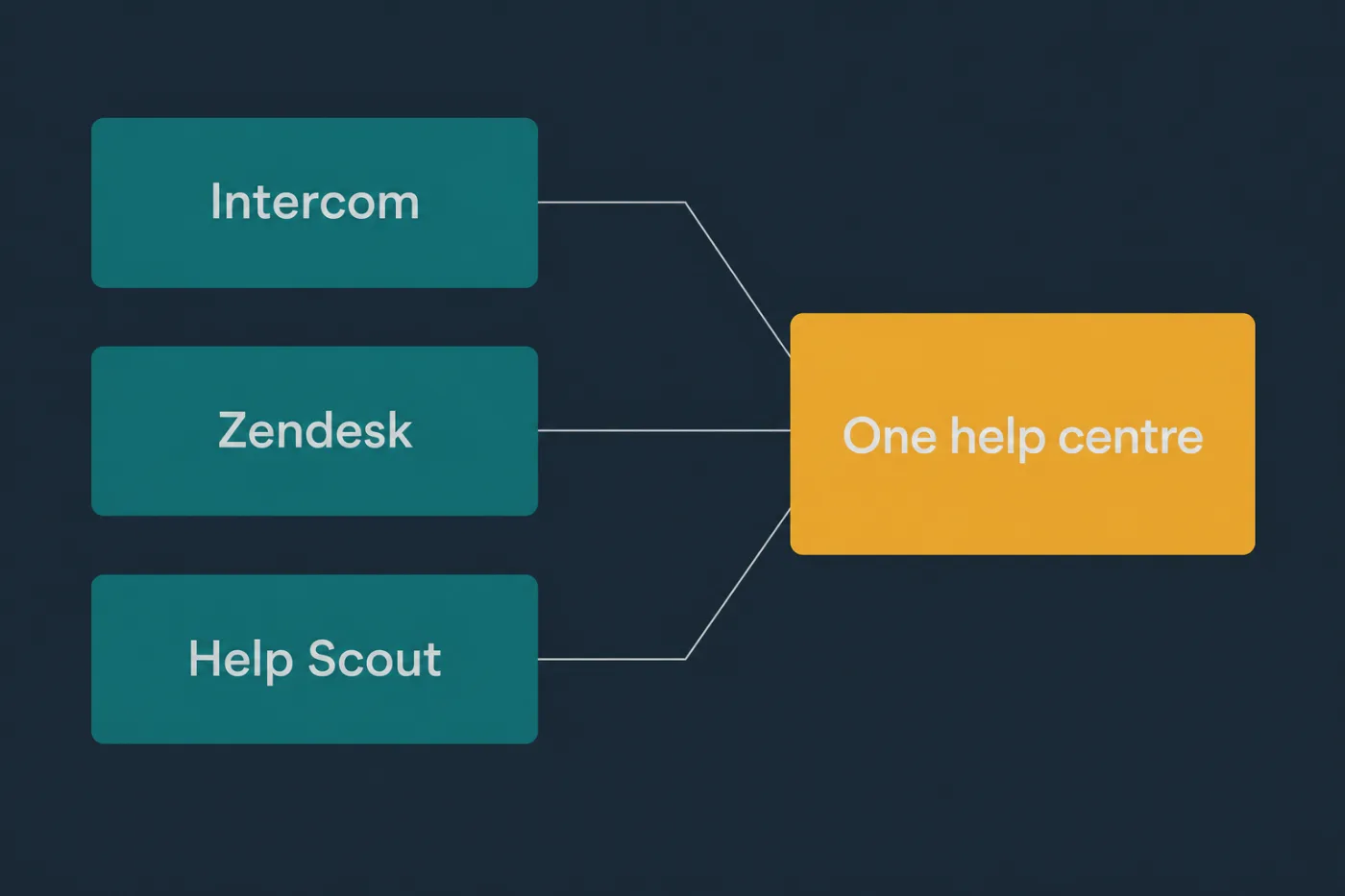
Export formats differ. What survives the round trip is usually less than promised.
Common mistakes
Stopping at the first page of results. Every one of these APIs paginates, and a script that ignores the next-page cursor returns a plausible-looking subset. Count the articles in the admin interface and reconcile.
Leaving images hosted on the old provider. The migration appears successful because the images still load. They stop loading the day the subscription ends, which is usually a month later and nobody notices.
Discarding the article IDs during conversion. Without them there is no redirect map, and every inbound link and support macro pointing at the old help centre breaks at once.
Importing drafts and archived articles. Content that was deliberately unpublished arrives published, and old versions of articles compete with current ones in search.
Copying HTML straight out of the editor. Vendor markup carries classes and inline styles tied to their theme, which render unpredictably in a different template.
When this stops scaling
The export itself scales fine. A script that handles forty articles handles four thousand, and the API costs nothing but time. What does not scale is the review afterwards: every article needs a person to decide whether it is still true, and that cost is per article no matter how good the script is.
That is the threshold worth naming. Below roughly a hundred articles, exporting and reviewing everything is realistic. Above it, a straight port usually means paying to move content nobody has verified since it was written, and the new help centre inherits the old one's decay along with its structure. The better move at that size is to export everything for the archive, migrate the pages support actually links, and rewrite the rest as demand appears.
If the rewrite is the real work, it is worth asking where the replacement text should come from. SupportPages generates articles from your codebase, which for a product that has moved a long way since the original help centre was written is often less effort than auditing what you exported.
Choose the destination before rewriting the export. The Intercom Help Center alternatives and Zendesk Knowledge alternatives guides separate a help-centre move from replacing the wider support suite; the Intercom versus Zendesk comparison is the relevant decision only when the inbox and service workflow are moving too.