How to Move Google Docs Into a Help Centre
Turning a folder of shared documents into published articles, with the headings intact, the images extracted and the originals stopped from being edited.
Last updated
By the time you finish you will have your Google Docs published as help centre articles, with real headings, working images, and the original documents locked so the team stops maintaining two copies.
Before you start
Check who owns each document. A document owned by someone who has left the company may be outside your control entirely, and that is a problem to solve before migration day rather than during it.
Check also how the documents were formatted. Google Docs exports structure from the heading styles, so a document where headings were made by bolding text and increasing the size exports as one long paragraph run with no structure to convert.
Steps
Inventory the documents and their owners.
List every document anyone treats as documentation, who owns it, and when it was last edited. The last-edited date is your first filter.Fix the structure before exporting.
Apply real heading styles to anything acting as a heading. Ten minutes of restyling in the source document saves an hour of restructuring after export.Accept or reject every pending suggestion, and resolve the comments.
Suggestions and comment threads do not belong in a published article, and a document in suggestion mode exports ambiguously. Clear them first so the exported text is the text you meant.Download in a text format.
File then Download offers Markdown, a zipped HTML bundle, and Word. Markdown gives the cleanest prose to work with; the zipped HTML is the option that brings images out as separate files, which is why some people export twice.Extract and rehost the images.
Pull the images out of the export and upload them to wherever your help centre stores them. Anything embedded as a Google Drawing or a chart linked from Sheets will not survive as a usable image and needs recreating.Split long documents into articles.
A six-thousand-word document is not one article. Each section that answers a distinct question a reader would search for is a candidate article with its own title and URL.Rewrite the shared-document conventions.
Highlighted text, "TODO", "@Priya to confirm", and "as discussed on the call" all read as normal to the team and as abandoned to a customer.Publish, then make the original read-only.
Set the source document to view-only and put a single line at the top linking to the published article. Anyone who can still edit the document will keep editing the document.
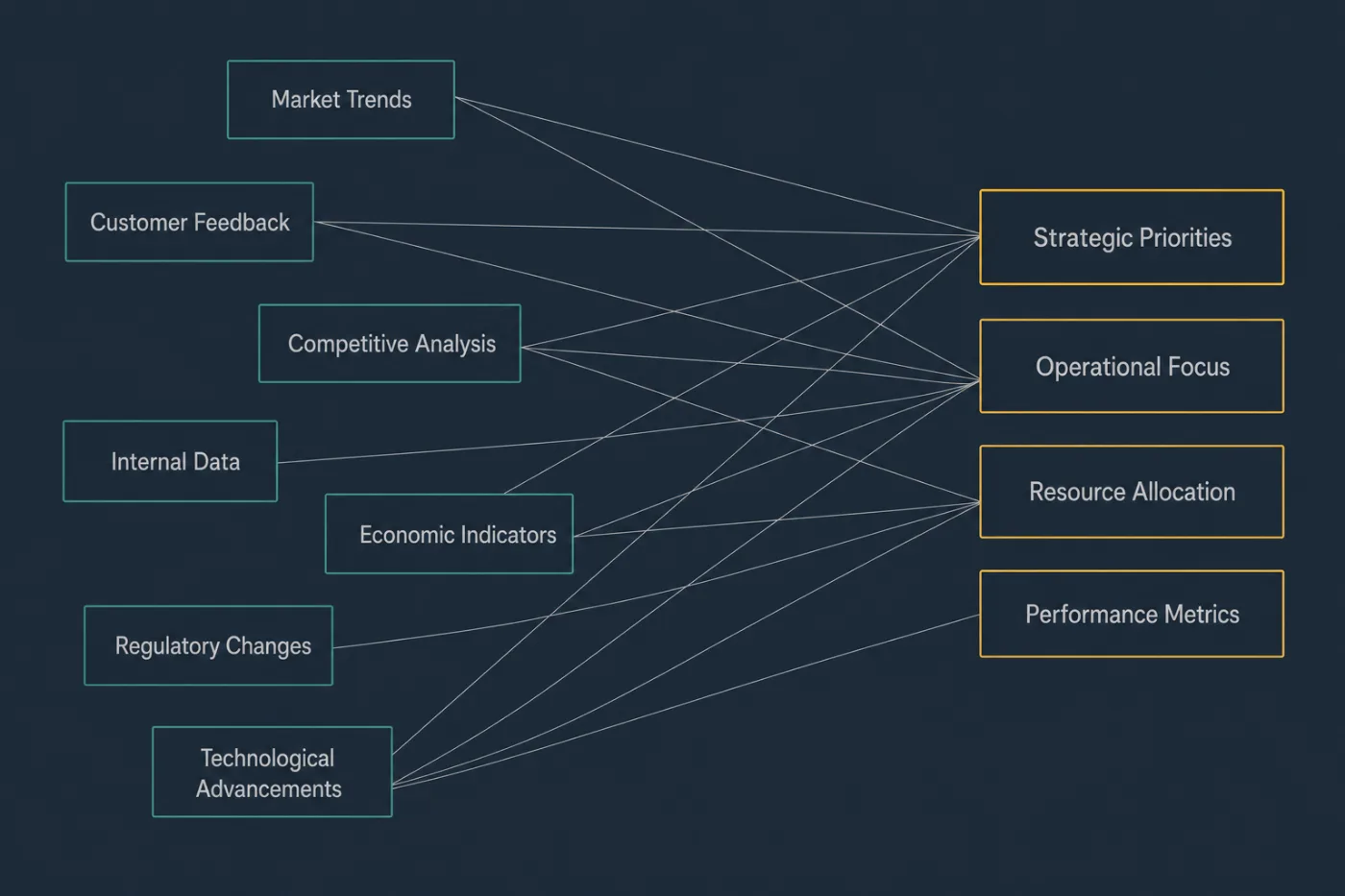
The count should fall. If it does not, you have moved the mess rather than fixed it.
Common mistakes
Formatting done by hand rather than by style. Visually correct headings that carry no style produce a flat export, and the structure has to be rebuilt article by article afterwards.
Leaving the source document editable. Within a month the team has updated the document and not the article, and support is quoting whichever one they opened first.
Exporting with suggestions still pending. The exported text can include or omit changes nobody decided on, and the discrepancy is invisible until a customer follows an instruction that was never approved.
Treating "anyone with the link" as a help centre. A shared link is not indexed usefully, cannot be searched across, reports nothing about what readers looked for, and stops working when the owning account is closed.
Assuming embedded content comes with the text. Charts from Sheets, Drawings, and embedded Slides are references rather than content, and they export as gaps or as low-resolution stand-ins.
When this stops scaling
Google Docs is a reasonable home for documentation while there are about a dozen documents, one or two authors, and everyone knows which folder they live in. Inside those limits the folder is fine, and migrating for its own sake gains you nothing.
The limit shows up in three ways. A new hire cannot find a document without asking. The same answer exists in three documents with different values in each, and nobody knows which is current. And nobody outside the company can read any of it, so support answers the same question by pasting the same paragraph.
The last one is the real threshold: the moment your customers need the content, a document folder is the wrong shape no matter how well maintained it is. Once you cross it, the ongoing cost is not the migration but keeping articles true as the product moves. SupportPages drafts and updates help centre articles from your codebase, which addresses the maintenance half rather than the moving half. If your documents were written once and never revised, expect the rewriting to take longer than the export.