How to Migrate from Confluence to a Public Help Centre
Lifting the customer-facing pages out of a Confluence space and publishing them, with the macros resolved, the attachments intact and the runbooks left behind.
Last updated
The customer-facing pages from a Confluence space published as a public help centre, with attachments intact, macros resolved into real content, and the internal pages still where they belong.
Before you start
Space export is a space-admin action, so confirm you have that permission before planning the work. Check too whether any pages carry view restrictions, because restricted pages are the ones most likely to contain something that must never be published.
Confluence offers export in a few flavours and only one of them helps here. HTML gives you rendered pages plus their attachments. XML is a backup format intended for restoring into another Confluence instance, not for reading. PDF is for printing. The wording and location of the export screen has changed across Confluence versions and differs between Cloud and Data Center, so look for the export option in the space's settings or content tools rather than following a fixed menu path.
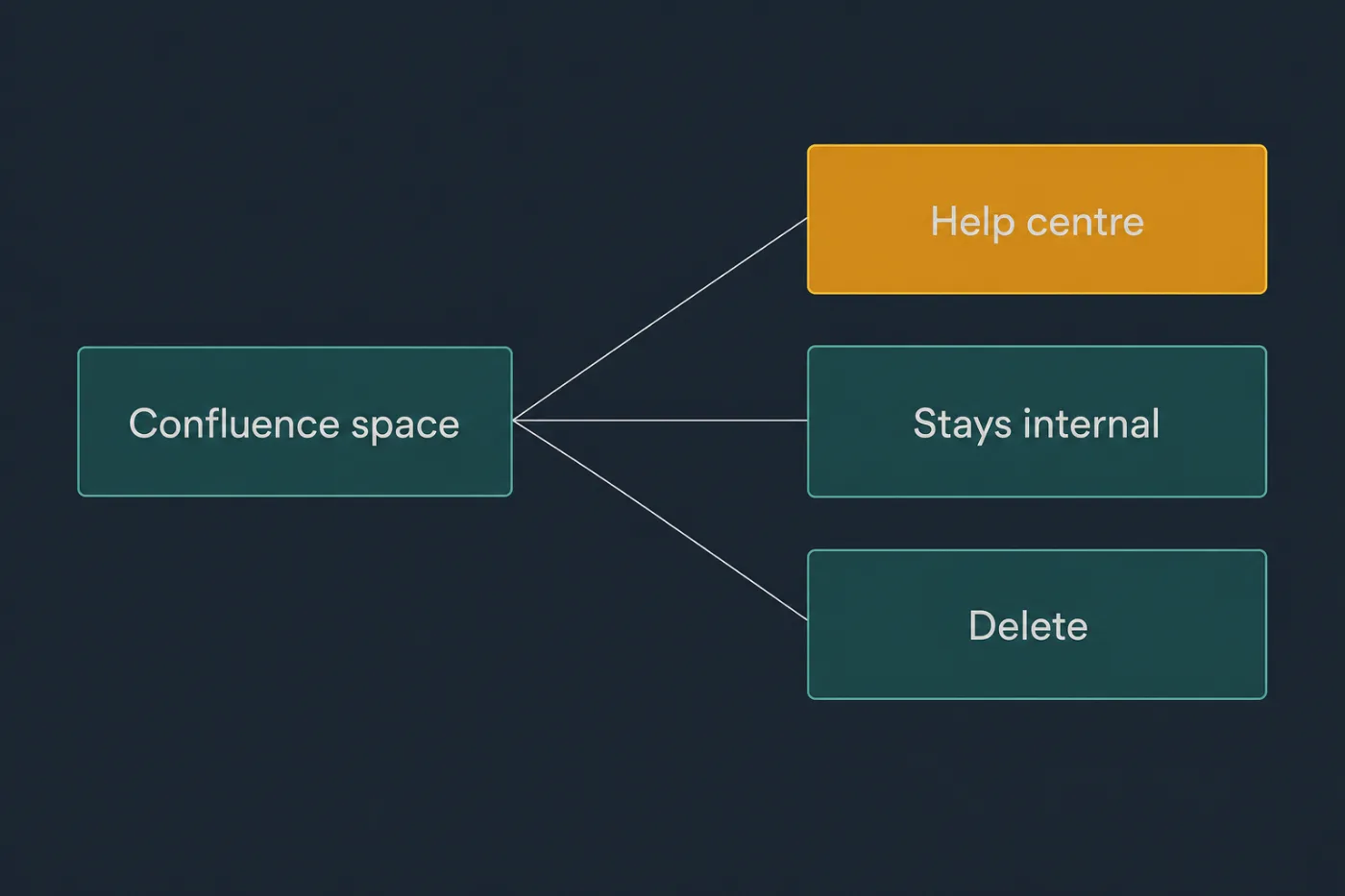
Most of a Confluence space is not customer-facing. Sorting first is most of the work.
Steps
Audit the space against your support inbox.
In most spaces the customer-facing fraction is small. Start from the pages support actually sends to customers, not from the page tree.Export the space as HTML, restricted to the pages you listed.
The export screen lets you select individual pages. Selecting up front saves you filtering thousands of files afterwards.Unpack the archive and locate the attachments directory.
Attachments export into their own folder, referenced from the pages by generated paths. Keep that folder next to the HTML until you have rewritten every image reference.Convert the HTML into your target format.
A converter such as pandoc handles the bulk. Expect to strip the wrapper markup, breadcrumbs and page metadata that Confluence adds around every page body.Resolve the macros by hand.
Info, note and warning panels export as generic markup. Table of contents, children display, excerpt include and issue-tracker macros export as whatever they happened to render at export time, or as nothing at all. Any page whose structure came from a macro needs rebuilding.Flatten the hierarchy.
Confluence rewards deep nesting; a help centre works best at two levels. Rebuild the structure from what readers search for rather than from the tree you inherited.Fix the internal links.
Confluence links carry space keys and page IDs, and links to pages you deliberately left behind will land an anonymous reader on a login screen. Rewrite the ones that have a public destination and remove the rest.Read every screenshot and attachment for internal content.
Pages written for colleagues contain customer names, internal hostnames, ticket references and staff-only admin screens.Publish, then mark the originals as superseded.
Leave the Confluence page in place with a link to the published article, and restrict editing so the fork does not restart.
Common mistakes
Exporting XML and expecting readable content. The XML export is a restore format for another Confluence instance. It contains storage-format markup and internal references, and converting it by hand costs more than re-exporting as HTML.
Publishing the runbooks. Incident procedures, on-call rotas, architecture notes and vendor contracts live in the same space as the customer documentation and look similar in an export listing.
Assuming panels and macros carry over. A page that reads as a clean set of collapsible sections in Confluence often exports as one undifferentiated wall of text, and nobody notices until a reader complains.
Keeping the Confluence page titles. Titles have to be unique within a space, so teams disambiguate with suffixes like "(v2)" and "DRAFT - do not edit". Those titles become your public headings and your URLs.
Migrating pages nobody has opened in two years. Sort by last edited before you decide. A page that has not been touched since a major release is more likely to be wrong than useful.
When this stops scaling
A space of a couple of hundred pages with a third of them customer-facing is roughly a week of careful work, and that is a reasonable trade for owning your documentation. The method holds at that size because the expensive part - reading each page and deciding whether it is still true - is unavoidable regardless of tooling.
It stops being a migration and starts being a maintenance burden when the source space stays alive. Confluence is where most companies write internally, and it will stay that way, so publishing from it creates a fork somebody has to reconcile. Once more than one team edits the source space, or the export-and-publish loop runs more than monthly, the public copy drifts and nobody can say by how much.
At that point the question changes from how to move the pages to where documentation should originate. SupportPages builds a help centre from your codebase, so the public documentation has a source of truth that changes when the product does rather than when someone remembers to re-export. If your Confluence space is mostly internal thinking with a customer-facing veneer, that split is worth making explicit.