How to Version Documentation Across Releases
Most products need release notes, not versioned documentation. Here is how to tell which you are, and how to build the version tree if you genuinely need one.
Last updated
By the time you finish you will have decided whether your documentation needs versions at all, and if it does, you will have a URL scheme, a canonical strategy and an end-of-life rule for old versions. The first decision matters most: versioning multiplies every future edit by the number of versions you keep, so it is worth being certain you need it.
Before you start
Find out how many versions of your product are genuinely in use by customers right now. For a hosted product with one deployed version, that number is one and this whole exercise is unnecessary. For anything self-hosted, on-premises, or shipped as an SDK, agent or library, the number is however many releases you still support, and that is the number of documentation trees you are considering.
Steps
Write down your support policy first.
Which releases receive fixes, and for how long. Documentation versions should match that list exactly. Without the policy, versions accumulate because nobody is authorised to remove one.Choose the lightest model that covers your case.
Three exist. A single current tree with release notes suits hosted products. A single tree with inline version annotations - "available from 4.2" - suits products where old and new behaviour coexist. A full version tree suits only software your customers install and choose not to upgrade.If annotations are enough, define one notation and stick to it.
A short marker next to the affected step, with the same wording everywhere. Mixed notations across articles are worse than none, because readers stop trusting that the absence of a marker means anything.For a full tree, put the version in the path.
/docs/v4/getting-startedrather than a query string or a subdomain per version. Paths are readable, cacheable, and straightforward to redirect when a version retires.Redirect unversioned URLs to the current version.
/docs/getting-startedshould land on the current tree. This is the URL people paste into tickets and blog posts, and it should always mean "current" rather than "whatever was current when the link was made".Set the canonical tag on every old-version page to itself, not to current.
Old-version pages are distinct content that some readers need, so they should be indexable in their own right. A canonical pointing at the current version tells search engines they are duplicates, and the specific answer for version 3 stops being findable.Label the version in the page itself, not only in a switcher.
A visible banner reading "You are viewing documentation for 3.8. Current release is 4.2." with a link. Readers arrive from search directly into deep pages and never see the navigation chrome.Freeze old versions rather than maintaining them.
When a version leaves support, mark the tree read-only and add a notice at the top. Editing three trees for one correction is how versioned documentation becomes a project nobody wants.Give every version an end-of-life date and honour it.
Redirect the retired tree to the oldest supported version, or to a single archive notice. Trees that never retire are the reason versioned documentation has its reputation.
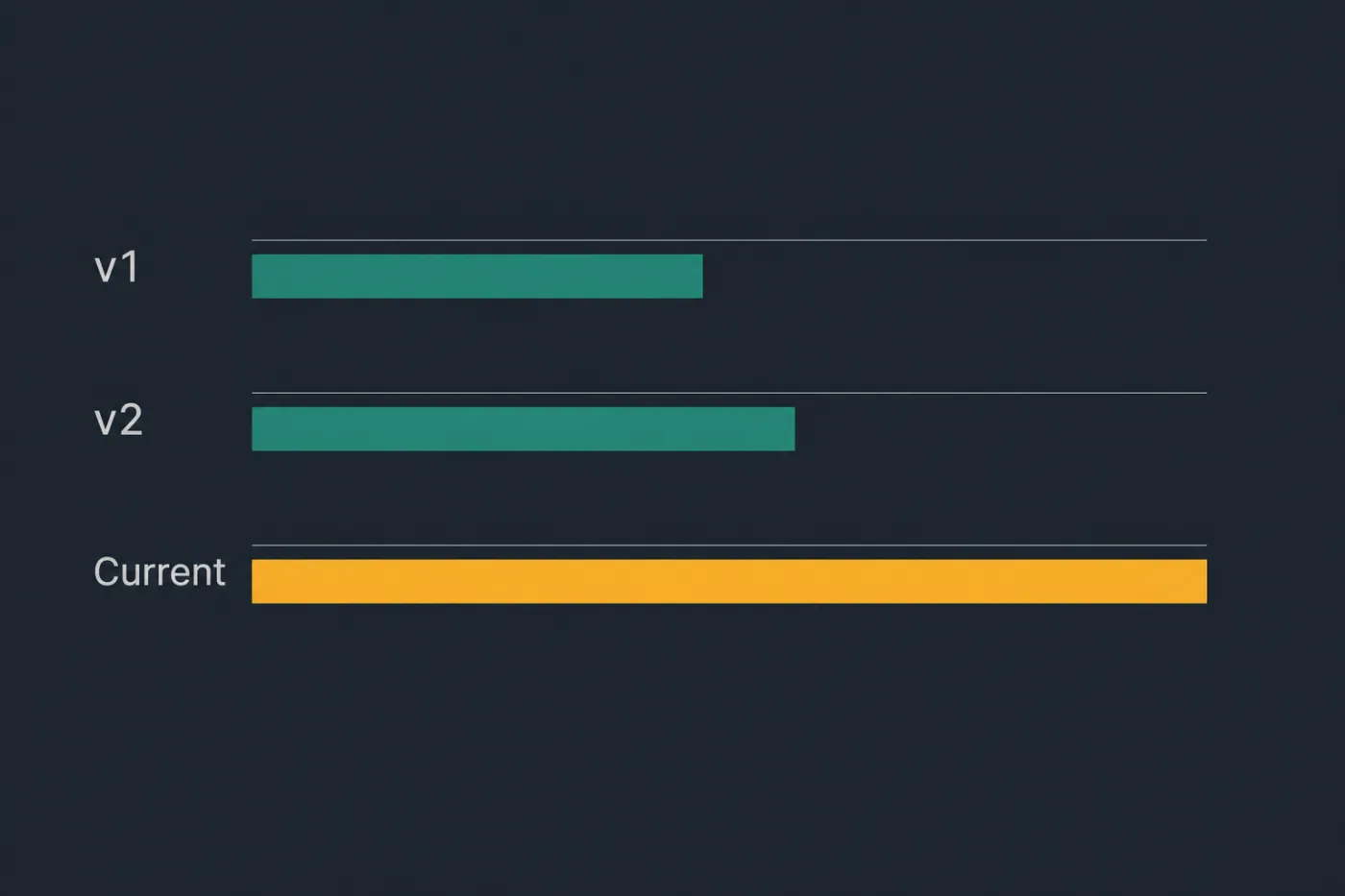
Every version you keep is a version somebody has to maintain.
Common mistakes
Versioning a product with one live deployment. Hosted software has exactly one version in the wild. Adding a version tree to it creates a maintenance multiplier in exchange for nothing, and creates the possibility of a customer reading last year's instructions.
Copying the whole tree at each release. It duplicates every unchanged article, so a typo fix has to be made in five places or the versions silently diverge. Branch the source, generate the trees, and keep the shared content shared.
Leaving old versions competing in search. Without deliberate handling, an older page that has accumulated links will outrank its current equivalent, so most search arrivals land on outdated instructions. The version banner is what limits the damage.
Unlabelled pages. A page with no version marker is read as current by everyone who finds it. This is the single most common failure and it is entirely a template problem.
Versioning the conceptual pages too. Pricing, security and account articles rarely change per release. Keeping them in one unversioned place halves the tree and removes most of the duplication.
When this stops scaling
Manual version management holds at two supported versions. At two, a correction is made twice, and reviewers can hold both in their heads.
At three or more, with a release cadence of anything under a quarter, the arithmetic turns. Every correction becomes an N-way edit, every review is an N-way diff, and the practical outcome is that only the current tree gets maintained while the others quietly rot in place - which is worse than not having them, because they are still indexed and still being read.
The other threshold is the shared-content ratio. If more than about a fifth of your articles differ between versions, a version tree is doing real work. Below that, you are duplicating almost everything to express a handful of differences, and inline annotations on a single tree cost far less.
Where versions come from tagged releases in a repository, the tree can be generated per tag rather than maintained per tag, which removes the multiplier entirely. SupportPages generates articles from the codebase, so a supported branch produces its own documentation instead of requiring someone to fork the prose. If you are carrying three trees and only editing one, that is the mismatch to fix.