How to Write a Troubleshooting Guide
Start from the symptom the reader can see, order the checks by likelihood rather than by architecture, and make every check answerable yes or no.
Last updated
You will finish with a troubleshooting page organised around one symptom, with checks ordered so that most readers stop after the second one, each check answerable yes or no, and an escalation route that collects the diagnostics support would otherwise have to ask for.
Before you start
Pick one symptom as the reader experiences it, and gather the real causes from support history rather than from a design document. Ten resolved tickets with the same symptom tell you the true distribution of causes, which is almost never what the engineering team predicts.
Note which checks require administrator access or a support tool. Anything the reader cannot perform belongs in the escalation section, not in the numbered checks where it stops them dead.
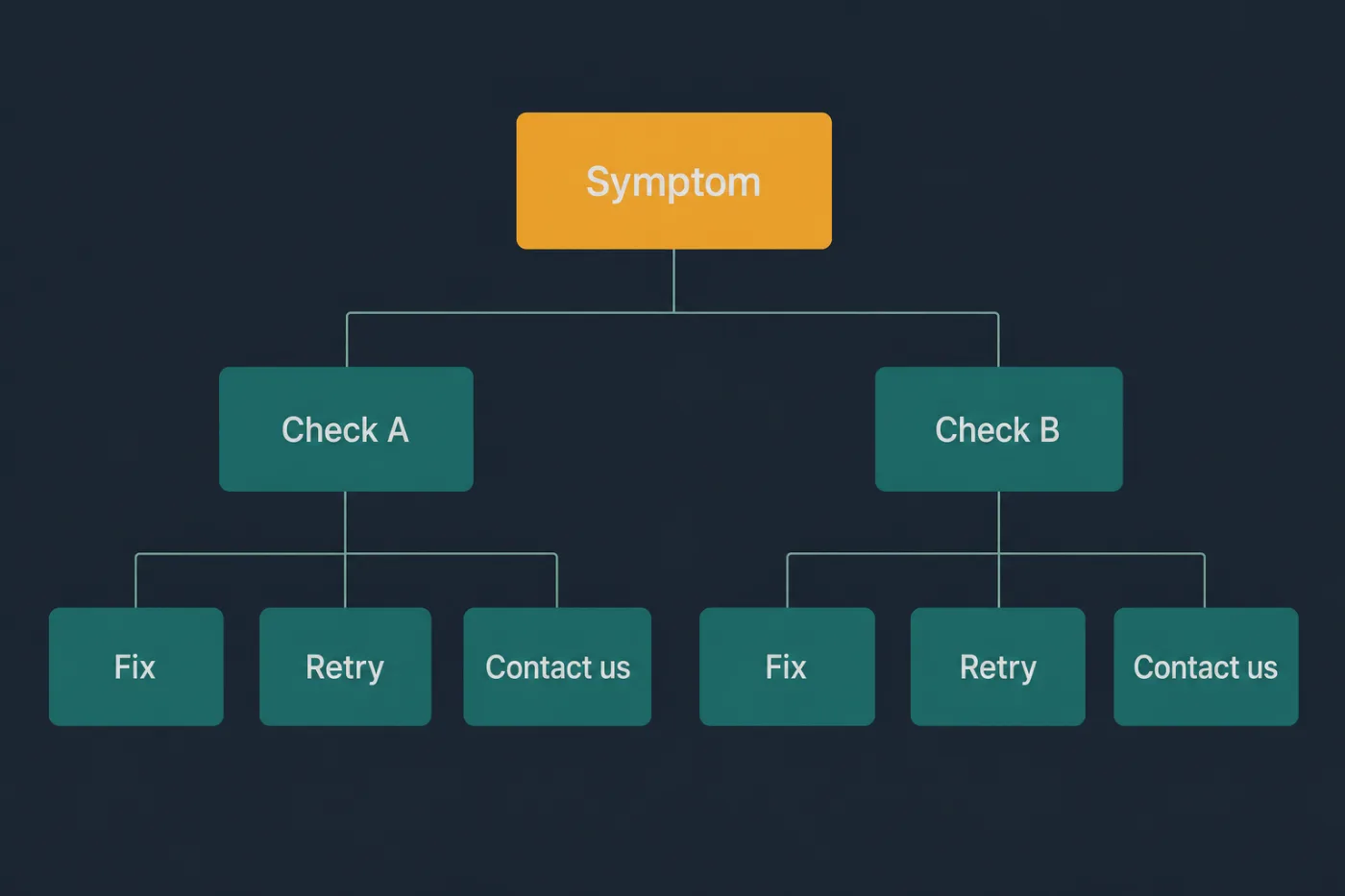
Branch on what the reader can observe, not on what caused it.
Steps
Title the page with the symptom, in observable terms.
"Emails are not arriving" rather than "SMTP delivery failures". The reader knows what they can see; they do not know the subsystem responsible, and if they did they would not be reading.Define the symptom precisely in the first paragraph.
What the reader sees, and what closely-related problem this page does not cover. Half of a troubleshooting page's failures are readers on the wrong page working through checks that cannot apply.Order checks by likelihood multiplied by how cheap they are.
A five-second check that explains a third of cases goes first, even if a deeper check would explain more. The goal is that most readers stop early, not that the sequence is elegant.Make each check answerable yes or no.
"Confirm the address in Settings > Notifications matches the one you are watching" is a check. "Verify your configuration" is a request the reader cannot fulfil.State the outcome of both answers.
If yes, this is the cause and here is the fix. If no, continue to the next check. A check with only one branch documented leaves the reader guessing whether they have finished.Put the embarrassing checks first, without apology.
Is the feature enabled, was the change saved, is the account on a plan that includes it. Phrase them neutrally and factually - these resolve more cases than anything further down.Keep the branching one level deep.
Once a check has sub-checks with their own branches, split it into a separate page and link to it. Nested decision trees are unreadable on a phone, which is where a lot of troubleshooting happens.Define what fixed looks like.
The action to retry and the result that indicates success, including how long to wait. Without it, readers who have already resolved the problem still open a ticket.End with an escalation section that lists what to send.
Account identifier, timestamp, error text, browser, the checks already performed. The page then converts an unresolvable case into a ticket support can act on immediately.Feed new causes back into the page.
Whenever support resolves this symptom by a route the page does not cover, add it and reorder. A troubleshooting page that is never edited after publication is a snapshot of what was understood on day one.
Common mistakes
Ordering causes the way the system is built. The reader works through four checks about infrastructure before reaching the setting they had switched off, which was the cause in most cases.
Writing checks the reader cannot perform. Anything requiring a database query or an admin console belongs in escalation, clearly labelled.
Covering several symptoms on one page. A page called "Troubleshooting notifications" mixes people who get none with people who get duplicates, and neither group can follow it.
Skipping the definition of the symptom. Readers self-diagnose incorrectly, then report that the page does not work, when the actual problem is that they are on the wrong page.
Leaving the last branch unresolved. If every check passes and the problem persists, the page must say what happens next. Silence there is how a troubleshooting page produces angry tickets.
When this stops scaling
Troubleshooting content decays faster than any other kind, because it documents failure modes rather than features, and failure modes change with every fix, every dependency upgrade and every infrastructure change - none of which look like documentation events to the people making them.
The threshold is roughly fifteen symptom pages, or the point at which support resolves cases by routes the documentation does not describe more often than by routes it does. Past that, the pages are individually plausible and collectively out of date, and the cost of a wrong troubleshooting page is higher than a wrong feature page: the reader follows four checks, resolves nothing, and now trusts nothing else in the help centre either.
The practical control is a feedback loop tight enough that resolutions flow back into the pages, which means someone owns the review and support has somewhere obvious to log a new cause. Tying documentation to the merged changes that alter behaviour, as SupportPages does, catches the subset caused by the product moving. The rest still needs a person reading tickets, and no tool changes that.