How to Document an Error Message
The page has to be found by someone pasting the error into a search box, so the exact string goes in the title. Then: what it means, what causes it, what to do, in that order.
Last updated
A page for one error message that someone finds by pasting the error text into a search engine, understands within a sentence, and can act on without opening a support ticket - plus a defined path for when none of the fixes work.
Before you start
Get the exact string, character for character, from the product rather than from memory or a screenshot. Include any error code, and note whether the message contains variable parts - an ID, a filename, a limit - because those need replacing with a placeholder in the title.
Find out from engineering what actually triggers it. A documented cause that describes what you assumed rather than what the code checks sends readers down a path that cannot work.
Steps
Put the exact error text in the page title.
People paste error messages into search boxes verbatim. A page titled "Troubleshooting connection problems" is invisible to that search; one titled "'Repository access denied' error" is the first result.Replace variable parts with a stable placeholder.
"Cannot import file<filename>" rather than the specific filename from the day you wrote it. Keep the surrounding wording exact.State what the error means in one plain sentence.
Not what the system did internally - what is now true from the reader's position. "The connected account no longer has permission to read the repository."Give the most common cause first.
Order causes by how often they occur in practice, which is rarely the order they occur in the code. The reader stops at the first one that matches, so the ordering is the article's most important decision.Write each fix as steps the reader can perform.
A cause with no corresponding action is a diagnosis, not a fix. If the resolution is only available to an administrator, say so at the top of that fix rather than at the end of it.Include the error code and any request or trace ID.
Tell the reader where to find the identifier and to include it when contacting support. This turns a vague ticket into a diagnosable one.Say how to confirm the error is gone.
Retry the action, refresh the page, wait for the next sync. Without this, readers apply the fix and open a ticket anyway because nothing visibly changed.Give an explicit next step for when nothing works.
Where to report it, what to include, and what response time to expect. This section is why the page prevents tickets rather than generating badly-formed ones.Link the page from the error itself if the product allows it.
An error message with a help link is the highest-converting documentation placement available, because the reader is holding the exact problem the page solves.Record which version or release the message belongs to.
Error strings get rewritten and codes get retired. Noting the version means the page can be found and updated when the string changes rather than lingering as a result for text nobody sees any more.
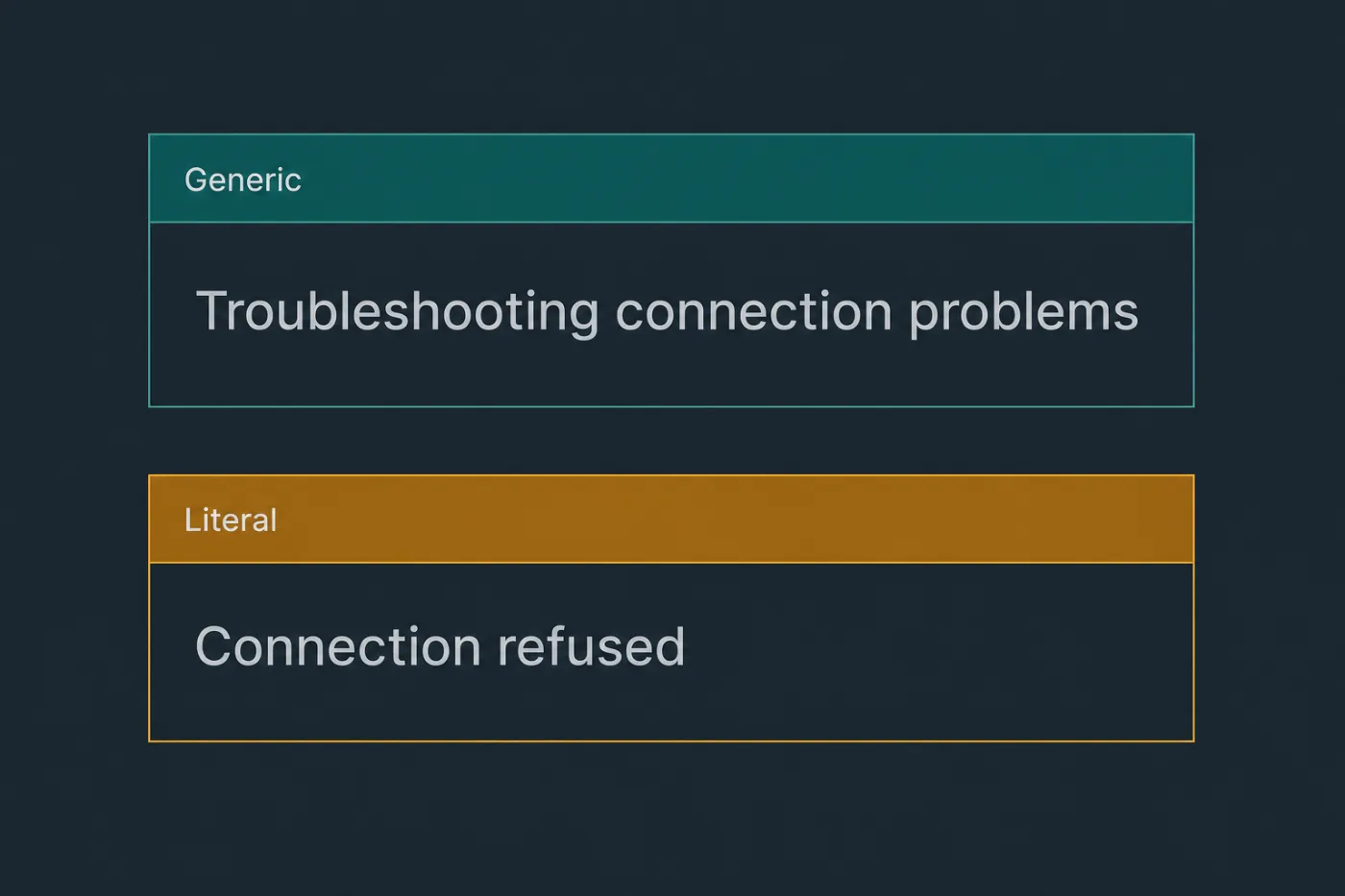
Users paste the string. Title the page with it.
Common mistakes
Paraphrasing the error in the title. "Access problems with GitHub" and "Repository access denied" are different pages to a search engine, and only one matches what the reader pasted.
Explaining the internals. The reader does not need the retry policy or the queue name. They need to know whether this is their fault, and what to do next.
Listing every possible cause. Six causes with equal weight leaves the reader working through all six. Rank them, and say which is by far the most common.
Documenting the error but not the code. People search for both. The code goes in the body at minimum, and in the title where it is the more distinctive string.
Leaving no escape hatch. A page that ends after the third fix strands the readers whose problem is the rare cause, and they are the ones most likely to escalate loudly.
When this stops scaling
A page per error works while the set of user-visible errors is small and slow-moving. Most products cross that line without anyone deciding to.
The threshold is the number of distinct user-facing error strings rather than the number of articles: past roughly twenty, nobody has a list of which ones are documented, and new strings ship with every release that adds a validation rule. Error text also changes more often than feature documentation, because it is edited casually - a developer improving the wording of a message has no reason to think of it as a documentation change, and the page silently stops matching what anyone can search for.
The mechanical answer is to derive the catalogue from the code that raises the errors, so a new or edited string appears as a documentation gap rather than a discovery six months later. SupportPages watches merged changes and flags the articles a change makes wrong, which is the same problem viewed from the other end. While the list is short enough to keep in a spreadsheet, writing each page by hand is the right amount of effort.