How to Choose Between a GIF and a Video for Documentation
A duration test, a control test and a sound test that settle the question in under a minute - plus why the right answer to 'GIF' is usually a silent looping MP4.
Last updated
By the time you finish you will have a rule for choosing between a still, a short looping animation and a full video for any documentation step, and a way to publish the animation that does not involve shipping a ten-megabyte GIF to somebody on mobile data.
Before you start
Know where the asset will live. A GitHub README, a chat message and a help centre article have different constraints: READMEs and chat render GIFs and little else, whereas a help centre you control can serve a proper video element and should.
Have the interaction in front of you and time it. Almost every decision below follows from the number of seconds, and guessing that number is where most of these choices go wrong.
Steps
Check first whether motion is needed at all.
Most documentation steps are a state, not a movement, and a cropped still with the control labelled is faster to produce, faster to read and far easier to keep current. Motion earns its place when the change between two states is the thing being taught.Time the interaction end to end.
Under about ten seconds with no explanation required, an animation works. Beyond that, a viewer needs playback controls, and an animation without controls becomes a loop they cannot pause or rewind.Ask whether the reader needs to stop or scrub.
Anything a reader will follow along with, at their own pace, on their own screen, needs a scrubber. That is a video, regardless of length.Ask whether it needs sound.
If the value is in the explanation rather than the movement, it is a video with narration. GIFs and silent loops carry no audio at all, and adding on-screen text to compensate usually means the piece was a video all along.Publish "GIFs" as silent looping video.
A muted, looping, auto-playing MP4 or WebM behaves exactly like a GIF in the page and is a fraction of the size. GIF is limited to 256 colours per frame, which is why interface gradients band and why the files are enormous.Fall back to actual GIF only where the platform demands it.
READMEs, some chat clients and most email clients cannot render video. Those are the cases where a GIF is the right file, not a compromise.Crop to the region that moves.
A full-window capture spends the whole frame budget on static pixels. Cropping to the panel that changes cuts the file size and makes the movement legible at article width.Cap the length, dimensions and frame rate of any GIF.
A few seconds, no wider than the article renders it, and a reduced frame rate. Interface movement survives a low frame rate far better than video of the physical world does.Give the reader an escape from the loop.
Anything that moves for more than five seconds and starts on its own needs a way to pause it under WCAG. A<video>element with controls satisfies this; a GIF cannot.Write the steps as text regardless.
The animation illustrates the instruction; it is never the instruction. A reader on a slow connection, a screen reader user and a search crawler all receive the text and none of them receive the motion.Give every animation a caption and alt text.
Describe what the animation shows, not that it is an animation. This is the only version of the content some readers get.
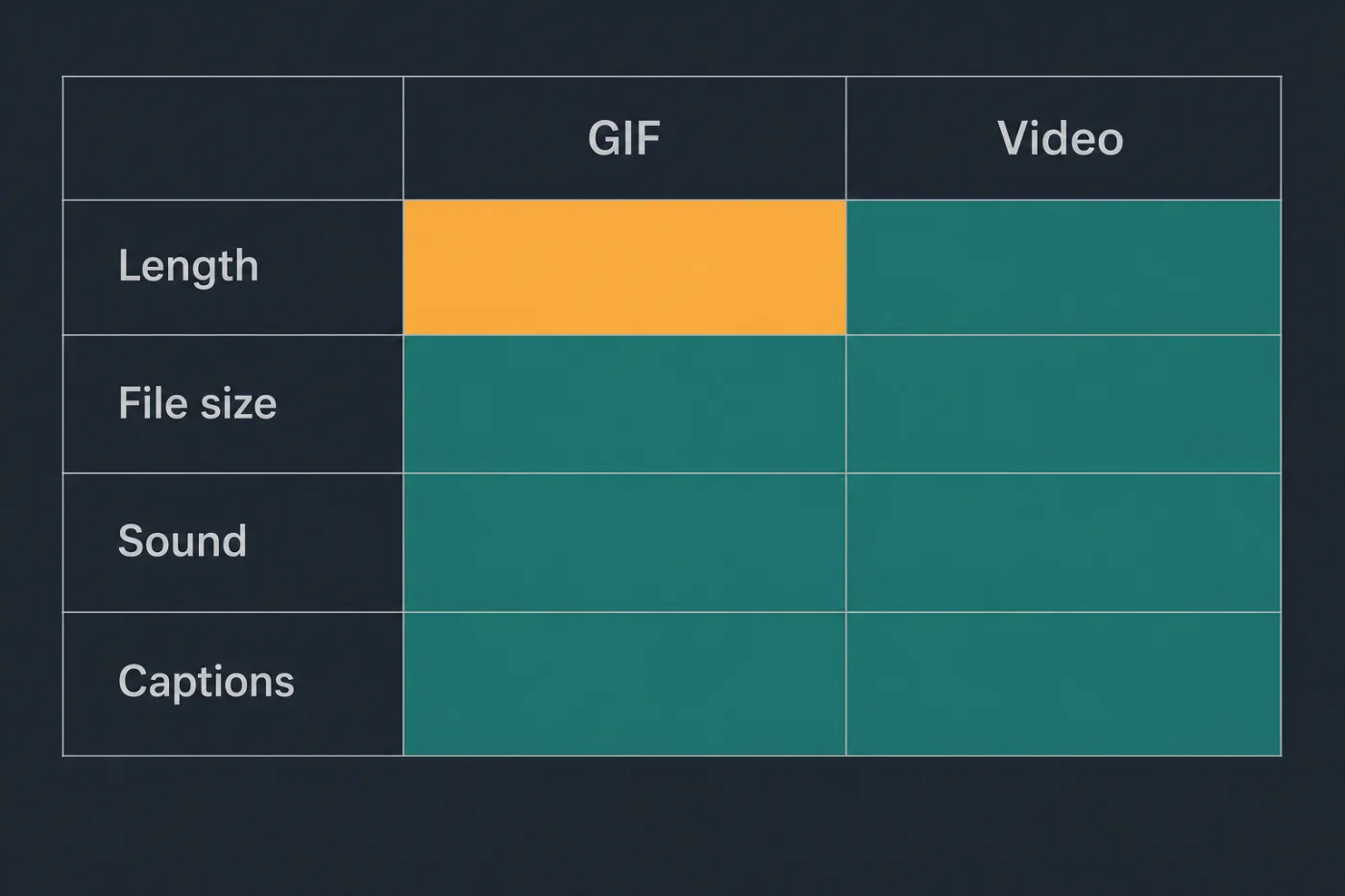
GIFs win on one row only, and it is the shortest one.
Common mistakes
Recording a ninety-second flow as a GIF. It becomes a huge file that loops relentlessly, cannot be paused and restarts from the top the moment the reader looks away.
Capturing the whole browser window. The interface text ends up too small to read once the image is scaled to article width, which is the failure mode people blame on the format rather than the crop.
Placing a looping animation next to body text. Peripheral movement makes the adjacent paragraph genuinely harder to read. Put animations after the step they illustrate, not beside it.
Letting the animation carry the only copy of the instruction. The step exists nowhere in text, so it cannot be searched, copied, translated or read aloud.
Choosing GIF out of habit. The word "GIF" has become a synonym for "short silent loop", and in a page you control that loop should be a video file.
When this stops scaling
The choice itself does not stop scaling - it is a per-asset decision that takes under a minute and does not get harder with volume.
What accumulates is the consequence. Animations feel cheap to produce compared with narrated video, so teams make a lot of them, and every one is a recording of an interface at a moment in time. A dozen animated assets across a help centre is roughly the point where re-capturing after an interface change costs more than the animations were worth, and unlike a screenshot, there is no quick fix: you re-record the interaction and re-export rather than replacing a still.
The other cost is that nothing tells you which ones are wrong. Animated assets sit in articles looking authoritative, and the only detection mechanism is a reader who follows along and gets a different screen. If you are past a dozen and shipping interface changes regularly, generating these assets from the product's interface code rather than capturing them - which is what SupportPages does - turns a re-capture into a re-render. Below that, capture them by hand and keep the list short.