How to Tell When to Split One Article Into Two
Length is the worst reason to split an article. Count the questions it answers instead, then split without stranding the readers who already have the link.
Last updated
By the time you finish you will have a rule for when an article should become two, and a procedure for doing it without stranding anyone holding the old link. The rule counts questions rather than words, because length is a symptom and the number of questions is the cause.
Before you start
Have the article in front of you, along with whatever analytics you have for it and a list of what links to it. Scroll depth is useful if you have it. The link list matters most: splitting an article changes what a URL means, and every existing link to it was made on the old meaning.
Steps
Count the distinct questions the article answers.
Write them out as questions in a customer's voice. One question means one article regardless of length. Two unrelated questions means two articles regardless of how short each part is.Read the title for the word "and" or a slash.
"Installing and configuring the agent" is two articles wearing one title. This is the fastest signal available and it is right more often than it has any business being.Check whether the audiences differ.
If half the article is for an administrator setting something up once and half is for end users doing something daily, split by audience. Each half is then complete for its reader and free of the other's prerequisites.Check whether the halves are ever needed together.
A linear procedure - eight steps that must happen in order - is one article even at two thousand words. Splitting it across pages adds a navigation step in the middle of a task, which is where people abandon.Look at the queries landing on the page.
Two distinct query clusters arriving at one URL means two questions, and the page is currently serving one of them well and the other adequately. This is the strongest evidence available, and it is in Search Console for free.Discount length on its own.
A 1,500-word article about one question is either a genuinely involved task or a padded one. If the padding is context nobody asked for, cut it rather than dividing it between two pages.Keep the original URL for the dominant question.
Whichever half most existing inbound links were about keeps the URL and its accumulated ranking. The other half becomes a new page.Cross-link both ways with descriptive text.
The setup article links forward to the daily-use one and back again, naming what the reader will find. Without this, splitting turns one complete answer into two partial ones.Update the links you control.
In-app help, support macros, email templates and internal cross-links. Some of them were pointing at the half that moved, and a redirect cannot tell which half a reader wanted.Check the queries again a month later.
If both pages now attract their own cluster, the split was correct. If one gets nothing, you had one question and a formatting problem.
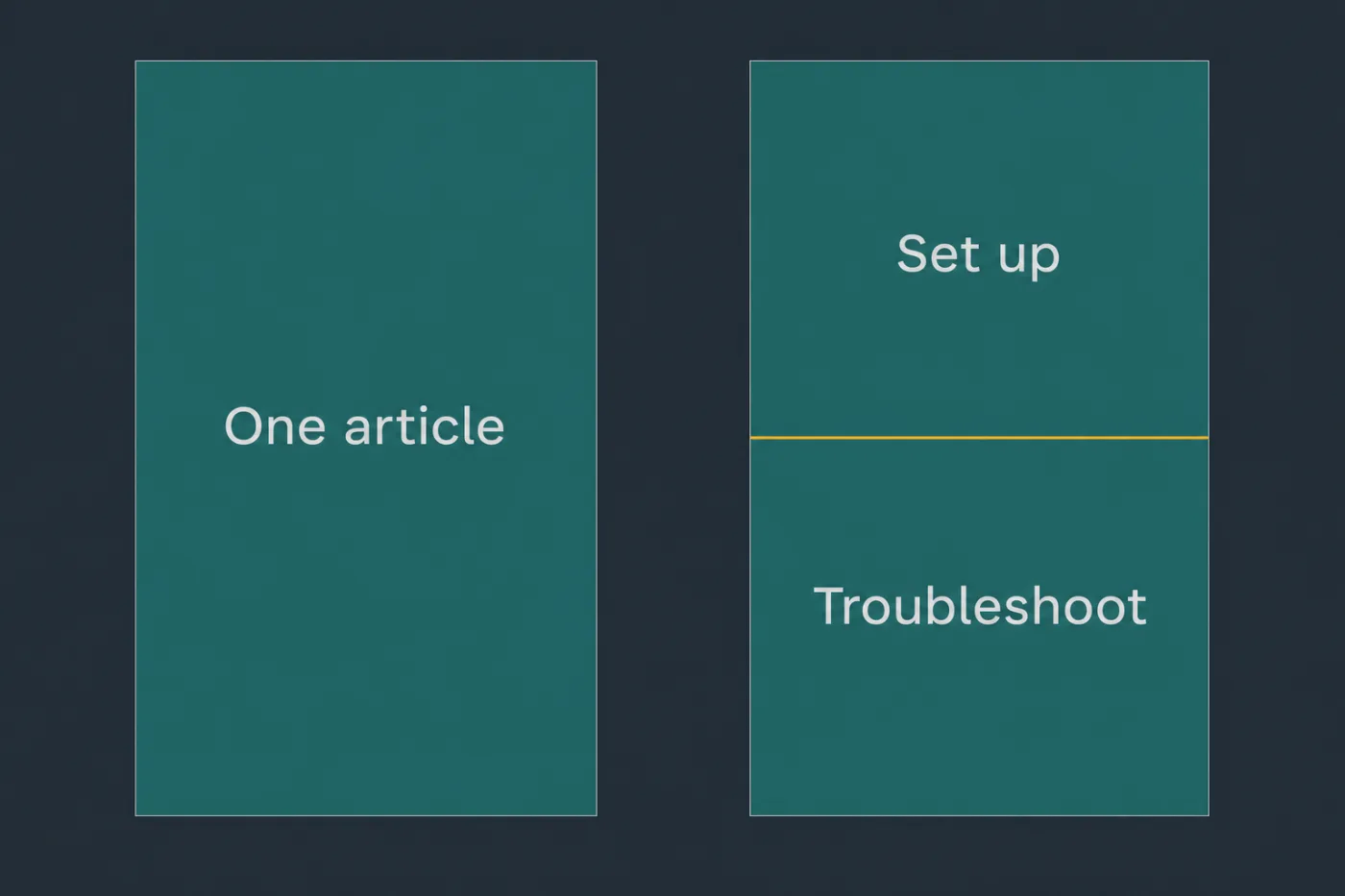
Split where the goal changes, not where the article gets long.
Common mistakes
Splitting because the page felt long. Readers who searched for a task want the whole task on one page. Length is only a problem when it comes from covering things nobody asked about.
Splitting a procedure mid-flow. Steps one to four on one page and five to eight on another doubles the chance of abandonment at exactly the point where the reader has already invested effort.
Deleting or repurposing the original URL. Everyone holding a link, and every search result pointing at it, was promised the old content. Keep it for the dominant half and redirect nothing that does not need redirecting.
Producing two half-answers. If neither new page stands alone without the other, the split was down the wrong axis. Divide by question or by audience, not by section heading.
Splitting without cross-links. The reader who needs both halves now has to find the second one through search, and search will show them the first one again.
When this stops scaling
Judging article boundaries one page at a time is fine while somebody is reading the whole corpus periodically - realistically under about a hundred articles.
Past that, the failure mode inverts. Nobody is reviewing whole articles any more, so the pressure is all towards creating new pages rather than reshaping existing ones, and the help centre fragments: five short articles that each answer a quarter of a question, none of which is the page anyone wanted. Fragmentation is harder to detect than bloat, because every individual article looks focused.
The signal that you have crossed over is in the search log. When readers routinely run a second query immediately after opening an article, they are being sent to a fragment. When they open the same article three times in a session, it is covering too much.
Neither state is discovered by browsing your own help centre - it takes the query log and someone with time to read it. SupportPages proposes an article set as a whole, with each topic scoped to one question, which prevents the fragmentation but not the judgement. The judgement in the steps above stays yours either way.