How to Track Ticket Deflection
Deflection counts tickets that were never filed, an event that leaves no trace. How to estimate it anyway, and how to report the estimate honestly.
Last updated
A deflection figure you can defend in a meeting, plus a written list of the reasons it is an estimate rather than a measurement. Deflection is the count of support tickets that were never filed. That event leaves no trace in any system, so the number is always modelled, never observed - and the modelling assumptions matter more than the arithmetic.
Before you start
You need three things wired up: help centre analytics that identify the article a session ended on, a support ticket system whose volume you can break down by topic, and the ability to add one field to your contact form. The contact form field is the important one. Without it, every method below collapses into guessing.
Agree in advance who the number is for. A deflection figure used to justify headcount will be interrogated differently from one used to decide what to write next, and the second use needs far less precision.
Steps
Define deflection as a rate with a stated denominator.
"Sessions that reached a help article and did not open a ticket within 24 hours, divided by sessions that reached a help article." Write the definition down. Two teams comparing deflection numbers are almost always comparing different denominators.Record the last article viewed on your contact form.
A hidden field populated from the referrer, or from a cookie set on article view. This single change converts deflection from a guess into a before-and-after count on a known population.Split the population by intent before you calculate anything.
Someone reading "what's new in version 4" was never going to file a ticket. Someone reading "payment declined" probably was. Mixing navigational and troubleshooting traffic into one rate produces a number that moves whenever your blog gets traffic.Ask at the point of escalation.
One optional question on the contact form: "Did you find an article that nearly answered this?" with a free-text follow-up. The answers are self-reported and partial, and they still beat the inference, because the reader knows something your analytics cannot see.Prefer cohorts to periods.
If you can ship a new article to a subset - one region, one plan tier, half the in-app links - compare those users against the rest over the same weeks. Comparing this month to last month bakes in every other change that happened in between.Calculate a range, not a point.
Produce a low estimate assuming most article readers would never have contacted support, and a high one assuming most troubleshooting readers would have. The honest answer sits between them, and the width of the gap tells your audience how much confidence the number deserves.Report the assumptions in the same sentence as the figure.
State the range, then the attribution window, then what was excluded, then the population it applies to - all before anyone can write the percentage on a slide. A bare figure gets quoted for years, detached from everything that qualified it.Recalculate after any change to the support entry points.
Moving the contact link, adding a chat widget or putting a bot in front of the form will change deflection substantially without a single word of documentation changing. Note the date of any such change beside your series.
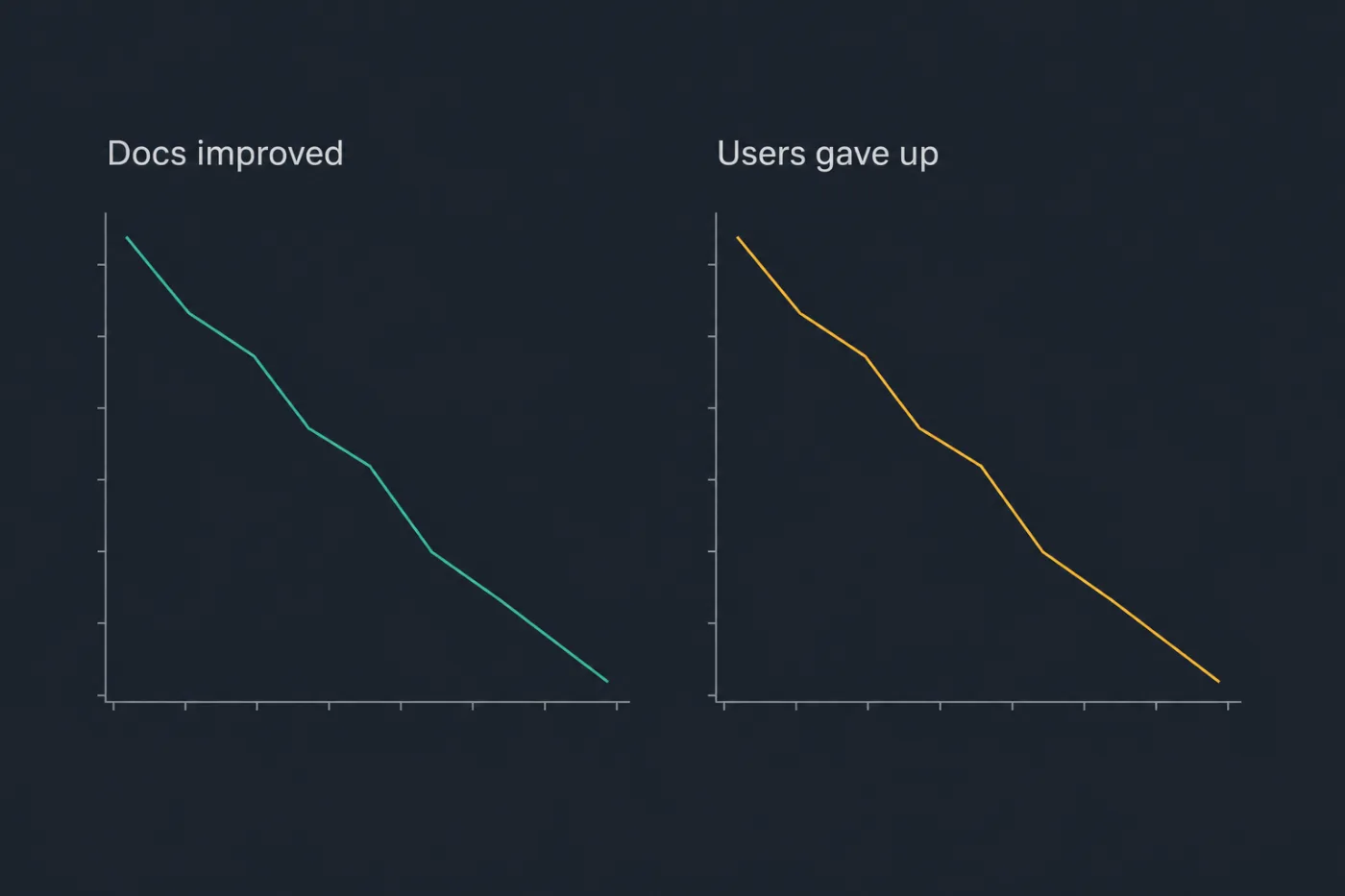
The same graph, two opposite causes. This is why volume alone decides nothing.
Common mistakes
Multiplying page views by an assumed deflection rate. Several vendor dashboards do exactly this, then present the output as a measurement and often as a currency figure. The result is a restatement of the assumption that was typed in, scaled by traffic.
Counting every article view as a deflected ticket. Most people reading documentation were never going to contact anybody. Treating the whole readership as potential tickets inflates the number by an order of magnitude and makes it useless for deciding anything.
Reading falling ticket volume as deflection. Volume also falls when users conclude support is not worth the effort, when the contact link becomes harder to find, and when your least patient customers churn. The chart looks the same in all four cases.
Benchmarking against an industry figure. Published deflection rates use incompatible definitions, different attribution windows and different denominators. A comparison between two numbers that do not measure the same thing is not evidence of anything.
Treating the rate as a target. Deflection improves when you make support harder to reach. If the number becomes a goal for a team that also controls the contact form, it will be met that way, and the first sign of trouble will appear in your churn data rather than your dashboard.
When this stops scaling
The estimate stays roughly credible while your product is narrow enough that "troubleshooting traffic" is a meaningful category. As the surface widens - more features, more plan tiers, more integrations - the intent mix behind a single deflection rate becomes so heterogeneous that period-on-period comparison stops meaning anything. Somewhere around a few dozen distinct topics, one number for the whole help centre is arithmetic rather than information.
The deeper limit is that no amount of instrumentation converts an absent event into an observed one. So the useful move at that point is not a better deflection model but a different instrument: stop estimating what documentation prevented and start recording what it failed to answer. That list is directly observed, needs no attribution window, and each row names a specific piece of work. SupportPages captures it as a by-product of serving the help centre. It is a substitute for deflection tracking, not a more accurate version of it - the two answer different questions, and only one of them has a real answer.